

Our Khmer Website has been upgraded and now uses Khmer Unicode font. In order to browse our pages correctly, please install KHMER UNICODE into your computer.
Installing Khmer Unicode:
1.
Check your computer to make sure that complex script support is enabled by going to:
START > SETTINGS > CONTROL PANEL
, then click on
Regional and Language Options
. There, please choose
Languages
tab, then select the first check box to install files for complex script and right-to-left languages.
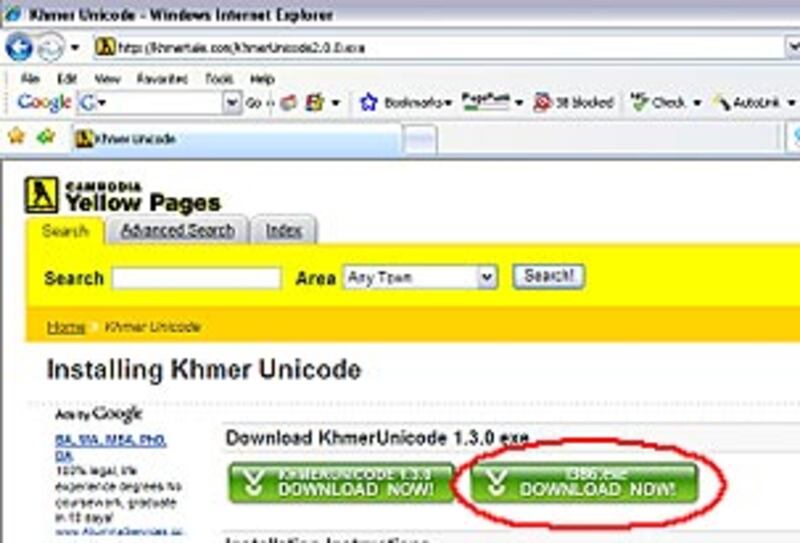
Note: You need to have a Windows XP CD to do this or if you do not have the CD you can download the file called i386.exe from this Website:
[ www.yellowpages-cambodia.com/khmer-unicode/Opens in new window ]
and installing it into your computer before installing Khmer Unicode.
2.
Installing Khmer Unicode by going through the following steps:
>> Click on
[ Khmer Unicode Opens in new window ]
to download the application.
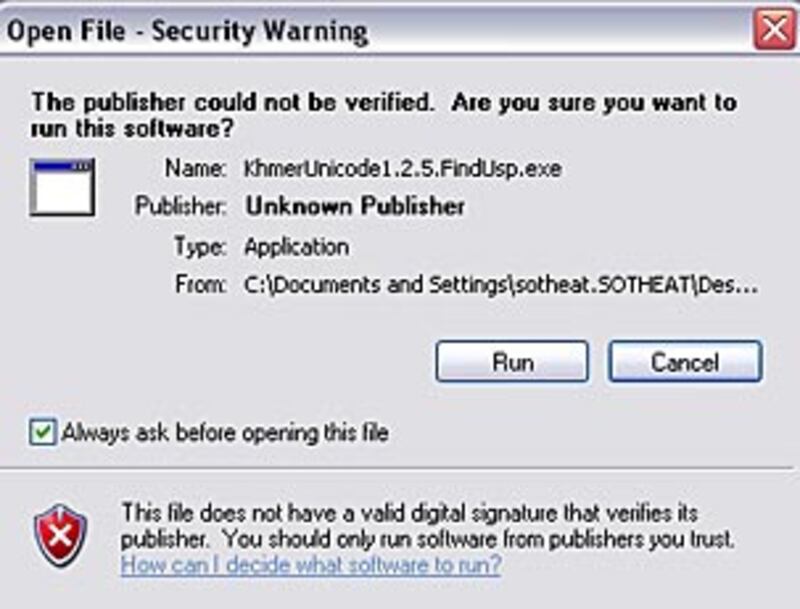
>> After downloading, click on
Run
.
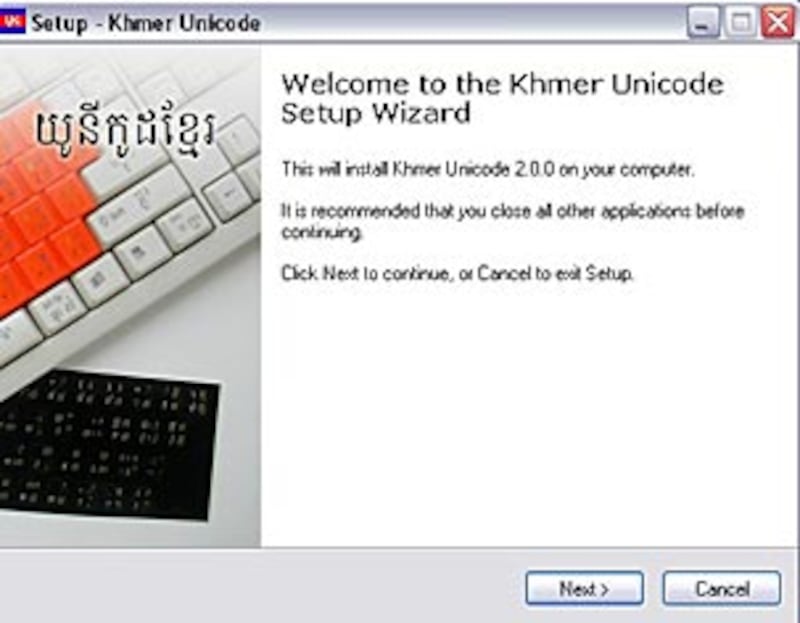
>> Click
Next
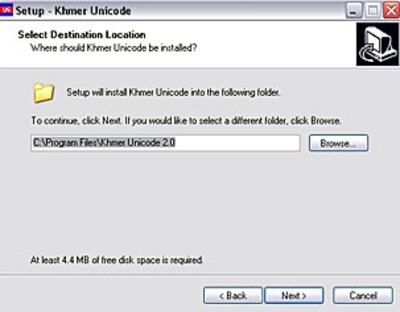
>> Browse folder where you want to install Unicode, then click
Next
>> Click Finish
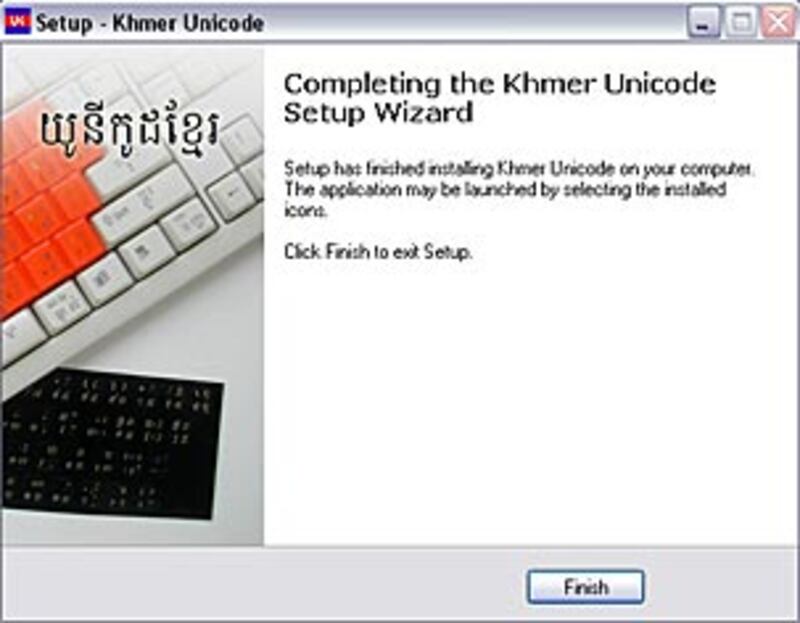
After having done all these steps, restart your computer.
For more information on Khmer Unicode, please visit this Website: http://www.khmeros.info.